Nano Banana 2 in ComfyUI: The Complete Guide
Nano Banana 2 is one of the most advanced image generation models available inside ComfyUI today
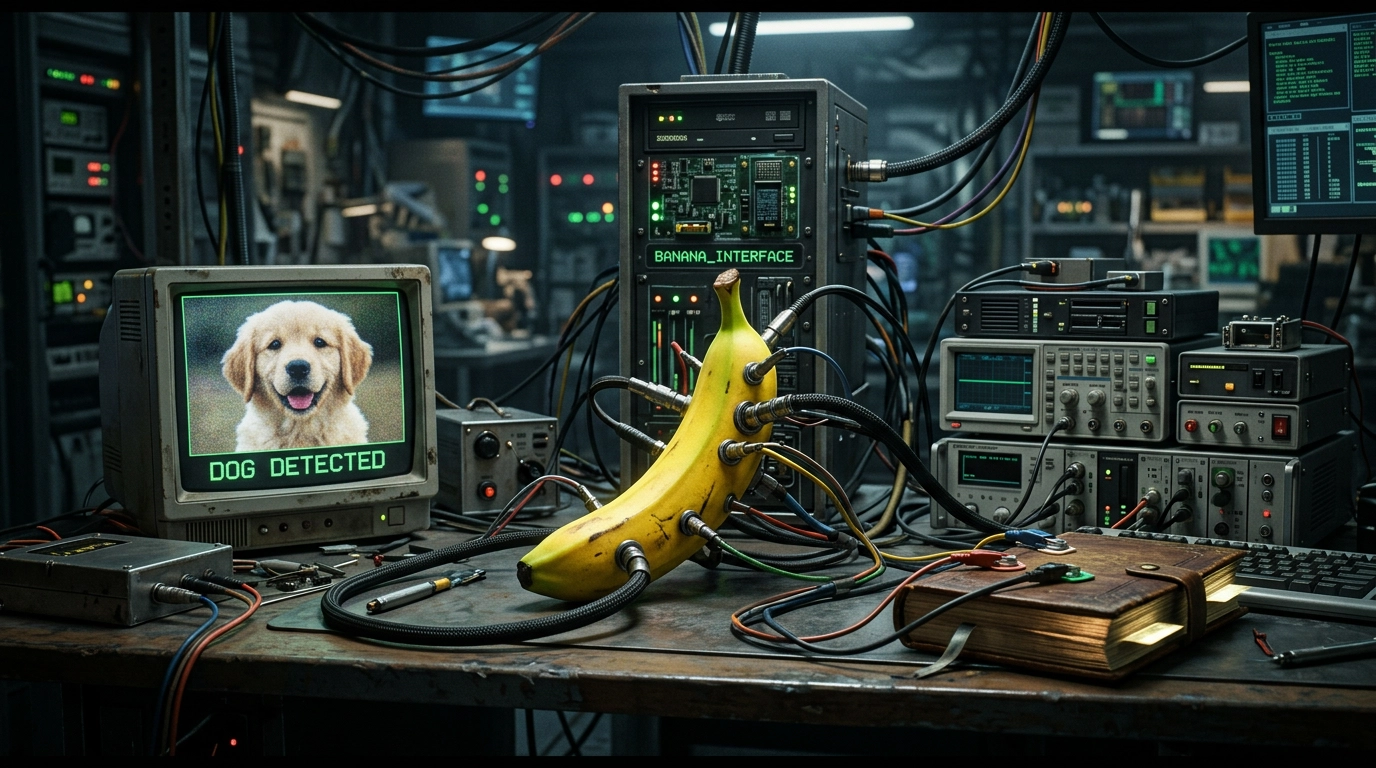
Nano Banana 2 is an API-based image generation model powered by Google Gemini. Unlike SDXL or Flux, it does not run locally.
This means:
- No GPU required
- Very fast generation (3–5 seconds)
- High-quality outputs
- Advanced reasoning capabilities
Step 1 - Update ComfyUI
Make sure your ComfyUI installation is up to date.
cd ComfyUIgit pull
If you’re using the portable version, update it through your usual method.
Step 2 - Install Required Nodes
Nano Banana 2 is available through ComfyUI partner/API nodes.
If needed, install missing dependencies:
cd ComfyUI/custom_nodesgit clone https://github.com/comfyanonymous/ComfyUI-Manager
Restart ComfyUI and install API-related nodes from the manager.
Step 3 - Set Your API Key
Nano Banana requires an API key.
On Windows (PowerShell):
setx GEMINI_API_KEY "your_api_key_here"
On Linux / Mac:
exportGEMINI_API_KEY="your_api_key_here"
Restart ComfyUI after setting the key.
Step 4 - Basic Text-to-Image Workflow
Create this simple pipeline:
[Nano Banana 2] → [Save Image]
Example Prompt
A futuristic cyberpunk city at night, neon lights, rain reflections, ultra detailed, cinematic lighting, 4k
Recommended Settings
model: nano-banana-2aspect_ratio: 16:9resolution: 2048thinking_level: minimal
Run the workflow and you’ll get your image in a few seconds.
Minimal JSON Workflow Example
You can import this directly into ComfyUI:
{ "nodes": [ { "id": 1, "type": "NanoBanana2", "params": { "prompt": "A fantasy warrior standing on a mountain, golden sunset, ultra detailed", "aspect_ratio": "1:1", "resolution": 2048, "thinking_level": "minimal" } }, { "id": 2, "type": "SaveImage", "inputs": { "images": [1] } } ]}Step 5 - Image-to-Image Editing
This is where Nano Banana becomes extremely powerful.
Workflow
[Load Image] → [Nano Banana 2] → [Save Image]
Example Prompt
Transform this image into a cyberpunk version with neon lighting, rain, and futuristic buildings
Use Cases
- Change art style
- Modify lighting
- Replace objects
- Translate text inside the image
Step 6 - Multi-Image Composition
You can combine multiple images into one.
Workflow
[Load Image] x2 → [Batch Images] → [Nano Banana 2] → [Save Image]
Example Prompt
Combine these characters into a single epic battle scene, cinematic lighting, highly detailed, fantasy style
This is useful for:
- Character consistency
- Scene building
- Style mixing
Understanding Key Parameters
Here are the most important settings you should know.
Prompt
A medieval castle on a cliff, dramatic sky, volumetric lighting, ultra realistic, 8k
Always be specific.
Thinking Level
minimal → fast, rough resultshigh → slower, more detailed and accurate
Use minimal for testing, high for final renders.
Aspect Ratio
1:1 → Instagram16:9 → YouTube / wallpapers9:16 → TikTok
Resolution
1024 → fast preview2048 → standard quality4096 → final render
Advanced Usage Tips
Prompt Structuring
Instead of writing short prompts:
cool futuristic city
Write structured prompts:
A futuristic cyberpunk city, neon lights, rain reflections, cinematic lighting, ultra detailed, wide angle lens, 4k
Iteration Strategy
Use this workflow:
minimal thinking + 1024 resolution → test ideas high thinking + 2048/4096 → final image
Combine with Other Nodes
You can extend your workflow:
[Nano Banana 2] → [Upscale] → [Color Correction] → [Save Image]
Performance and Cost
Typical stats:
Generation time: 3–5 secondsCost: ~$0.03 per imageResolution: up to 4K
Compared to local models:
- Faster
- More consistent
- No VRAM limitations
Common Issues
Node not appearing
→ Update ComfyUI→ Check API key→ Install missing nodes
No output image
→ Verify API key is set→ Restart ComfyUI→ Check console logs
Slow generation
→ Check internet connection→ Lower resolution→ Use minimal thinking level
Conclusion
Nano Banana 2 is one of the most practical tools you can use inside ComfyUI today.
It removes the usual constraints of local generation while providing:
- Fast results
- High-quality outputs
- Advanced editing capabilities
If you’re building modern AI workflows, this is a model you should definitely integrate.
Join the discussion — sign in with your email: